
When Sunk Cost Fallacy Becomes a Growth Tax, Migration to GoHighLevel Is the Path Forward
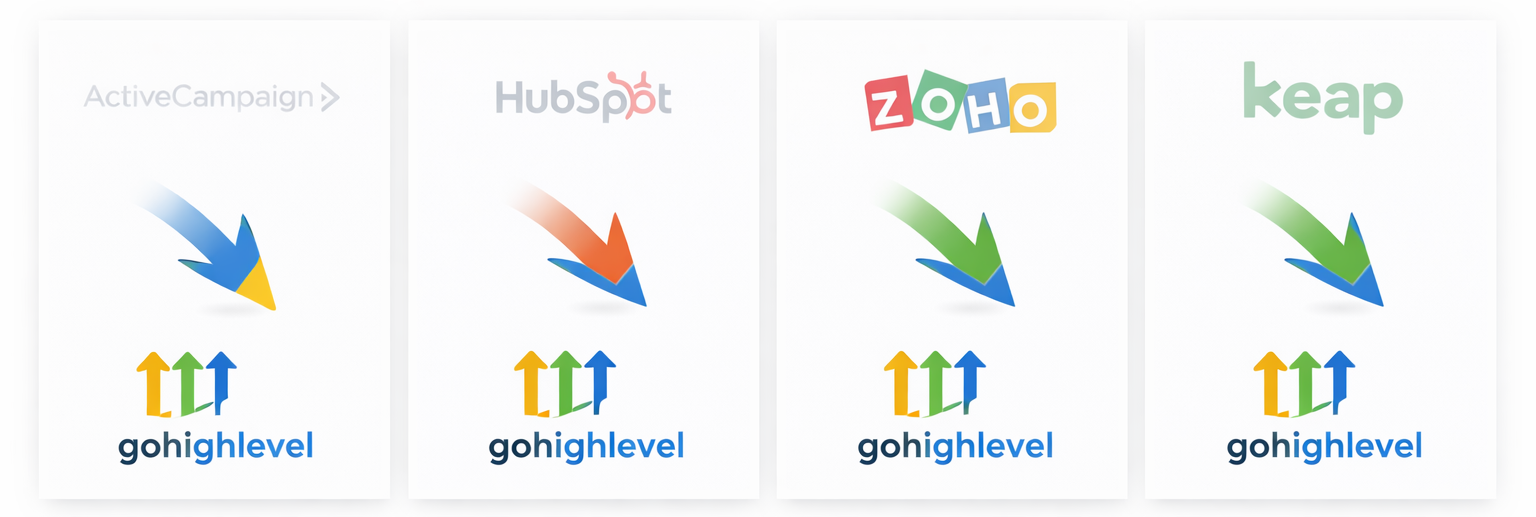
CRM | Marketing Automation Software Migration To HighLevel

There are typically 5 common, real-world reasons companies decide to change marketing automation software, framed the way your buyers usually experience them:

  1. The system is too complex and no one actually uses it. The platform can technically do a lot, but it requires so much setup and maintenance that teams avoid it—or use only a fraction of its capabilities, squandering the company’s investment.

  2. Sales doesn’t trust the automations. Follow-up isn’t “intuitive” so reps override the system. Automation is perceived as something that gets in the way of closing deals.

  3. It doesn’t adapt as the sales process evolves. What worked before no longer fits, and changing the system feels risky and expensive

  4. Reporting and attribution don’t answer leadership’s questions. Leadership can’t clearly see what’s working, where deals stall, or why revenue is unpredictable despite having “all the data.”

  5. It’s been patched together over time and is now a mess. Years of duct taping, orphan tagging, dead wood and abandoned automations leave no one confident enough to improve or scale the system: Switching is easier than fixing.

A clear path forward from fragmented systems. Let’s meet.

Get a Complete Revenue System!

What's Included in Your Migration

Marketing Automation Platform Migration

Complete, professional migration service handled by The Database Divas

User Set Up

Add and configure user accounts
Assign roles and access levels to ensure the right data visibility

Email & Communications

Connect individual email inboxes (Gmail or Outlook)
Verify sending domain for deliverability and trust
Set up professional email signatures
Create branded email templates and reusable message elements

Calendar Bookings

Connect user calendars for scheduling and availability
Configure booking rules, buffers, and meeting types
Sync appointments seamlessly with the CRM

CRM & Sales Process

Customize contact and opportunity fields
Enable personalization fields for automated messaging
Set up sales pipeline and opportunity stages
Configure lead source tracking and lead scoring

Automation & Workflows

Connect website forms to CRM with automatic tagging
Re-build core automated sequences

Branding & Reporting

Apply brand elements (logo, colors, visual styling)
Enable tracking and reporting dashboards for visibility

Training

Provide 1-hour "daily use" team training on your new software, including workflows, and best practices (Add'l training available)

What We Need From You

User information: Names, roles, email addresses, and access levels
Email & calendar access: Login credentials or instructions, plus preferred email signatures
Brand assets: Logos, colors, and any existing email templates or messaging guidelines
Sales & CRM info: Current contact/opportunity data and pipeline definitions
Website & forms access: Admin access to replace or integrate forms
Automation decisions: Follow-up timing, messaging preferences, and internal notification rules
Point of contact: One person to review and approve templates, workflows, and branding

Outcomes

After setup, your team will have:

A centralized CRM aligned with your sales process
Consistent, professional email communication
Automated follow-up sequences that support personal outreach
Clear visibility into leads and opportunities

Ready to Get Started?

Have questions about our migration services? Our team is here to help!

Chat With Us Now